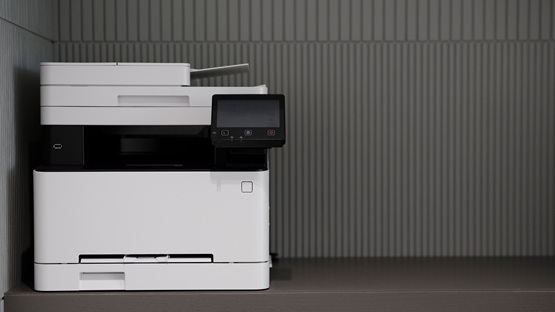
Which printer should you choose for your home?
Shopping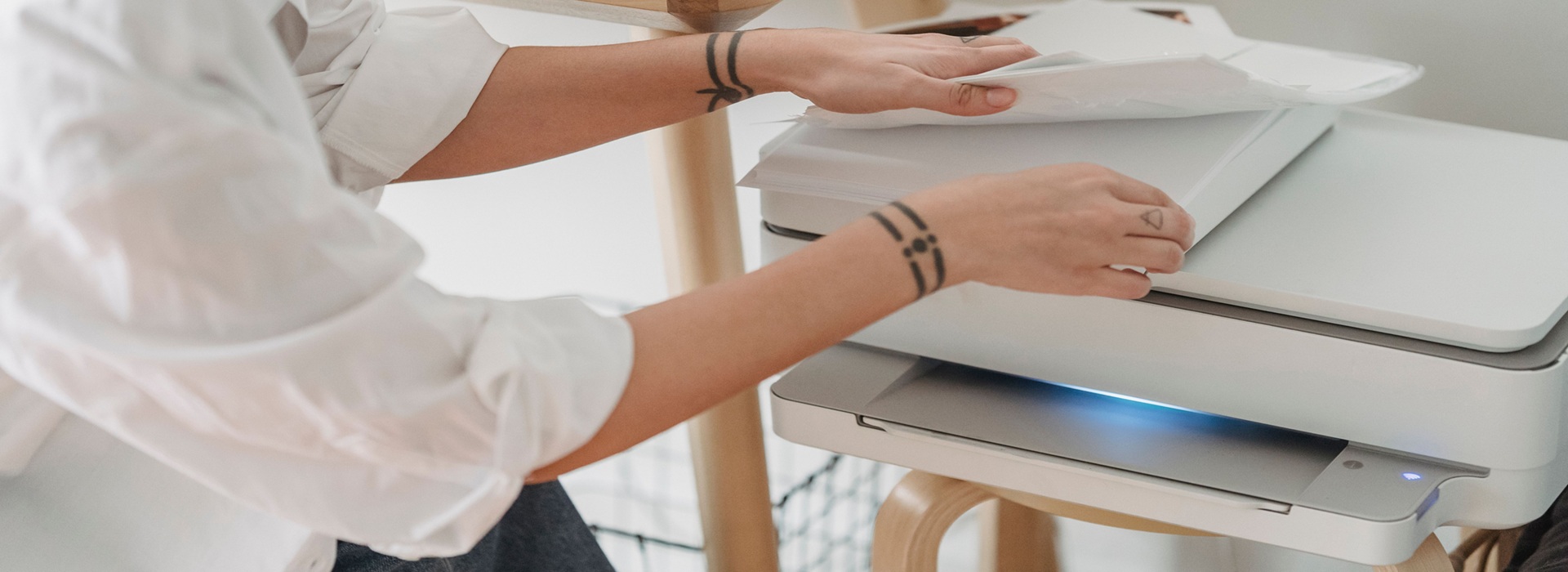
23 October 2026
Choosing a printer for home use shouldn’t be based solely on the price of the printer itself. Other factors that matter include the cost of ink or toner, the yield of consumables, how often you print, and the features available, such as Wi-Fi, a scanner or double-sided printing. Find out which printer is best suited to home use and what to look out for to ensure that running costs don’t end up being too high.
How do you choose a home printer without overspending on running costs?
When buying a printer, the ongoing cost of consumables – and therefore the cost per page – is more important than the one-off purchase price. Cheap home printing equipment may use small and expensive cartridges, which need to be replaced frequently. Once you’ve bought a few sets of these ink cartridges, the total cost of running the machine may exceed the price of a more expensive but more economical printer.
To begin with, therefore, we need to determine, how often the device will be used in what materials are to be printed. For occasional text documents, a monochrome laser printer is often sufficient. If colour, graphics or photographs are required, an inkjet printer may be a better choice, particularly a model equipped with large tanks filled with ink from bottles.
Inkjet technology, also known as inkjet, deposits microscopic droplets of ink onto the paper. It offers good colour reproduction and allows you to print photographs, but requires regular use. If left unused for long periods, the ink may dry out in the print head nozzles. This leads to white streaks, missing colours or the printer becoming completely blocked.
In order to to minimise the risk of drying out, it is worth printing at least one colour page every few days or so. You should also avoid unplugging the printer immediately after use, as some models perform automatic maintenance cycles. It is also helpful to use the printhead cleaning function, but running this process too often uses up ink.
Laser printer It uses powdered toner, so there is no problem with ink drying out. It works well for text documents, prints quickly and can be ready for use even after a long period of inactivity. However, colour laser printers are usually more expensive to buy and less suitable for photography than inkjet printers.
Before choosing a device, it’s worth doing the maths:
- the price of a set of ink cartridges or toner cartridges;
- the stated page yield of the materials;
- the cost of the drum or other consumable parts; the option to use large cartridges;
- availability of automatic double-sided printing;
- energy consumption and maintenance frequency.
A personal printer should be suited to your actual printing needs. For someone who prints just a few documents a month, this may be sufficient a simple monochromatic laser. Families who print school materials, colourful designs and photos can save even more on inkjet tank model.
Each such peripheral device should be assessed in the light of total cost of ownership.
 Dowiedz się więcej
Znajdź najlepsze oferty w kilka sekund z Von Halskim - asystentem zakupowym w apce InPost Mobile. Odkryj produkty dopasowane do Twoich potrzeb i oszczędzaj na dostawie.
Von Halsky węszy okazje. A Ty? Wiesz już, czego szukasz?
A Wi-Fi printer – is printing from your mobile phone worth it?
A Wi-Fi-enabled home printer can be used by everyone in the household without having to connect a USB cable. You can send the document from a laptop, mobile phone or tablet connected to the same network.
It’s worth checking before you buy the device’s compatibility with Windows, macOS, Android and iOS. A well-designed manufacturer’s app makes it easier to set up, scan and check ink or toner levels. Wi-Fi is particularly useful when the printer is situated some distance from the desk or a few people use it.
Inkjet or laser printer – which is better value for money at home?
Inkjet printer It works best where there is a need for colour, graphics and the ability to print photos. Models with traditional cartridges may have a high cost per page, whilst devices with ink tanks offer a very low printing cost and support a wider range of media.
However, the ink requires regular use. If the printer is left unused for several weeks, the ink may dry out in the print head. For this reason, a cheap inkjet model is not always the best choice for very occasional printing.
Laser printer uses dry toner, which means it can remain idle for long periods. It prints quickly, produces clear text and generally offers a low cost per black-and-white page. It is a good choice for users who print large numbers of contracts, invoices, school materials and other documents.
| Criterion | Inkjet printer | Laser printer |
|---|---|---|
| Colour printing | very good | good, but more expensive |
| Photos | the best choice | limited quality |
| Text documents | good | very good |
| Speed | usually lower | usually higher |
| Infrequent use | risk of drying out | no drying out |
| Cost of the website | low in tank-type models | low when there are more documents |
It’s worth choosing ink for colour, photos and regular use. A laser will be better for a predominance of black-and-white text, longer gaps between printouts and a greater number of pages.
Which printer is best suited for students and for working from home?
A student and a person working remotely They usually print between a dozen or so and around a hundred pages a month. These are most often educational materials, documents, forms and notes, which is why black-and-white printing is the norm, although colour can also be useful.
A good printer for the home It should have Wi-Fi, a quick start-up and energy-saving features. If you regularly print colour documents, an inkjet printer with ink tanks is the best choice. If your printing consists mainly of text and is only occasional, a laser printer will be more practical.


Is it really worth having your own printer at home?
Having your own home printing equipment means instant access to tickets, contracts, invoices, forms and school assignments. There’s no need to look for a photocopying shop that’s open or to send documents to third parties. It’s worth buying one if you print regularly or if you need access to printouts at short notice.
And if a user needs a few pages a year, it may be cheaper to use a service centre.
How does a continuous ink supply system reduce the cost per page?
Tank system It replaces the traditional ink cartridge with large reservoirs that are refilled directly from bottles. A single refill allows you to print significantly more pages, which is why the cost per page can be considerably lower than with a conventional cartridge printer.
User it refills the ink into the marked reservoirs itself. It is worth choosing the ink recommended by the manufacturer, as poor-quality ink alternatives may impair colour reproduction, block the nozzles or cause smudging.
The print head requires periodic flushing and automatic maintenance. For this reason, The printer should remain plugged in and be used regularly.
Tank models can usually be configured using a computer, laptop or mobile phone.
From With Von Halski’s help, you can choose a printer that’s right for you
If you’re not sure whether an inkjet printer, a laser printer or a multifunction printer would be best, By Halsky The InPost Mobile app will help you choose and order it. You can specify your budget, the estimated number of prints and the features that matter to you, such as Wi-Fi, automatic double-sided printing, a scanner or colour printing. But what if you’re not sure what features you might need in a printer? The shopping assistant will suggest and explain the features that are useful in a printer.
Von Halsky Purchasing Assistant It will search for suitable models, compare their prices and key specifications. You can also use voice commands to describe what you’re looking for, ask for cheaper alternatives, or add printers you’re interested in to your favourites so you can come back to them later. The entire shopping experience, from browsing to tracking your parcel and collecting it, takes place without ever leaving the InPost Mobile app.
Frequently Asked Questions
What do people usually print on a home printer?
These are most commonly text documents, invoices, tickets, school assignments and forms. A home printer can also handle envelopes, A5-sized paper and family photos. To produce good-quality photos, you need the right ink, photo paper and the correct print settings.
How can I get a clear printout from my home printer?
With an inkjet printer, it is a good idea to run the nozzle check and printhead cleaning routines regularly, and to use good-quality paper. The cheapest generic cartridges can cause smudging and uneven colours. With a laser printer, on the other hand, you need to check the condition of the toner and the photoreceptor drum.
How many pages does the toner in a laser printer last for?
A standard toner cartridge for a home laser printer usually lasts for around 1,000–3,000 A4 pages. The actual yield depends on the page coverage, the quality setting and the type of documents being printed. When printing large numbers of text documents, the toner cartridge usually results in a low cost per page.
What should you avoid when buying a home printer?
Be wary of very cheap models that use small quantities of expensive consumables. The lack of Wi-Fi may make it difficult for several members of the household to use the device. An inkjet printer is also not the best choice if it is to be used very infrequently, as long periods of inactivity increase the risk of the ink drying out.