Home office accessories to improve workplace ergonomics
Shopping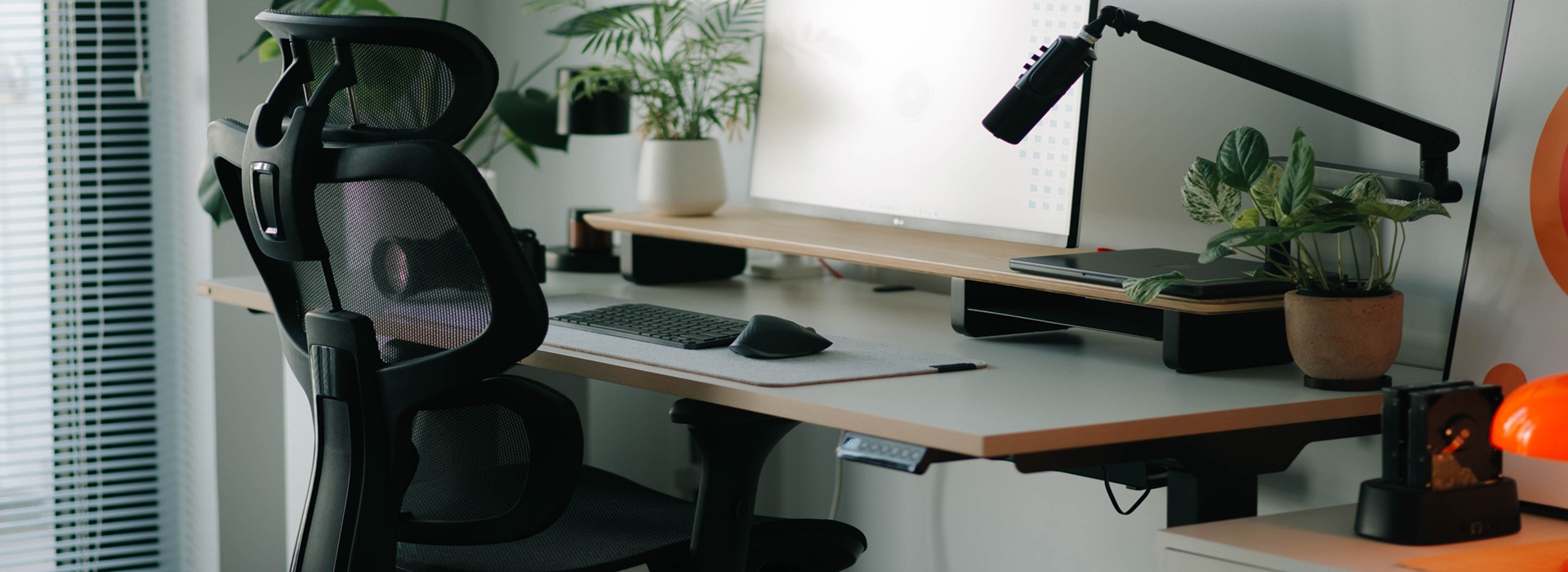
18 September 2026
Well-chosen home office accessories can improve your comfort whilst working, relieve strain on your spine and help you organise your workspace. Find out which solutions boost ergonomics and help you work more comfortably and efficiently every day.
What are ergonomic home office accessories?
Ergonomic home office accessories help to reduce strain on the muscles, joints and spine whilst working at a computer. Their purpose is to adapt the workstation to the user, rather than forcing the user to adopt an uncomfortable posture for many hours.
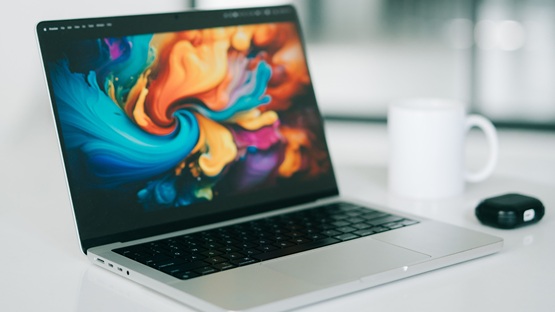
The basic equipment for a home desk should include a laptop stand, an external keyboard, a mouse, a wrist rest, lighting and a cable organiser. This set helps to organise your workspace and keeps your screen, hands and back in the correct position.
A useful solution is ergonomic vertical mouse, which limits the twisting of the forearm that is characteristic of traditional models. Wrist rest It can, however, stabilise the hand whilst typing, provided it does not put pressure on the wrist or restrict movement. Good input devices should be suited to the size of the hand and the way you work. The keyboard should allow you to keep your elbows close to your torso and your wrists in as neutral a position as possible.
A poorly configured working environment leads to tilting the head, rounding the back and prolonged muscle tension. A screen positioned too low puts strain on the neck, whilst a lack of lower back support increases pressure on the lumbar region. Therefore, ergonomic computer accessories and other gadgets for remote working should be regarded as an element of prevention, rather than decorative accessories.
How do office accessories help protect your spine?
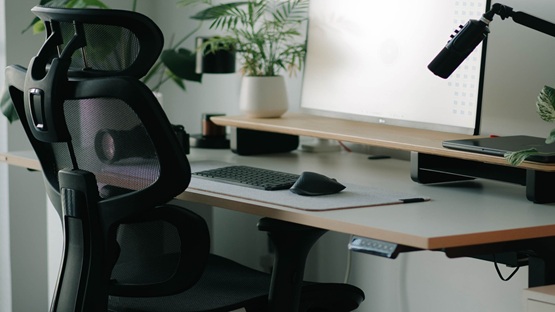
A poorly fitted chair does not support the back, causing the user to slide down on the seat, stick their head out and tense their neck. A good chair should have height adjustment, adjustable armrests, contoured lumbar support and synchronous mechanism, which adjusts the angle of the backrest and seat to suit the body’s movements.
Monitor positioned at eye level relieves pressure on the cervical spine, whilst proper support for the feet and forearms reduces tension in the lower back. Such accessories for a home office promote spinal health, although still Breaks and a change of position are essential.
 Dowiedz się więcej
Znajdź najlepsze oferty w kilka sekund z Von Halskim - asystentem zakupowym w apce InPost Mobile. Odkryj produkty dopasowane do Twoich potrzeb i oszczędzaj na dostawie.
Von Halsky węszy okazje. A Ty? Wiesz już, czego szukasz?
What affordable accessories are worth buying to get started?
Not all equipment has to be expensive. To start with, it’s worth choosing some simple office supplies: notebooks, notepads, sticky notes, pens and a hole punch. Documents can be organised using folders, ring binders and standing files.
Inexpensive stands, cable holders and organisers also help to keep your desk tidy. When shopping via InPost Mobile, payment and delivery can be arranged together, which makes it easier to combining several products from a single basket.
How can you set up an ergonomic workspace at home?
Good workplace ergonomics starts with a sturdy desk. The desk top should be wide enough to accommodate a monitor, a keyboard and allow your forearms to rest comfortably. It is useful to have height adjustment, allowing the furniture to be adjusted for sitting and standing positions.
The arms should hang loosely at your sides, the forearms resting, and the elbows at an angle close to a right angle. Monitor mount It allows you to position the screen at the correct height, whilst an LED monitor lamp or desk lamp supplements natural light without causing glare.
You can, of course, put together this home office set-up in stages.
A laptop stand or an external monitor?
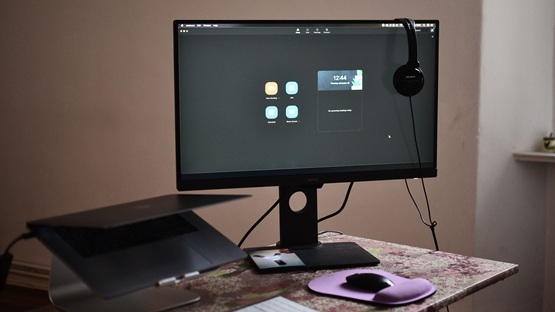
An external monitor is usually a better solution for everyday work lasting many hours. A larger screen makes it easier to arrange several windows, improves the readability of content and reduces the need to constantly zoom in on documents. It’s ideal for a typical home office a monitor with a screen size of 24–27 inches and a resolution of at least Full HD; for a larger workspace, it is worth considering 2560 × 1440 pixels. A well-chosen monitor stand or arm allows you to position the top edge of the screen close to your line of sight.
A laptop stand is cheaper, more portable and takes up less space. It’s ideal for occasional use, a small desk or when you need to move your laptop around frequently. However, it should be used with a separate wireless keyboard and mouse, as typing directly on a raised computer raises your arms too high. When putting together your office equipment, it is therefore worth choosing a monitor for a fixed workstation, and a stand for mobile working or as a budget option.


Modern trends and gadgets to make work easier in 2026
In 2026, home office equipment will still be dominated by minimalism, adjustable furniture and minimising the number of visible cables. Popular items include monitor mounts, lamps with adjustable brightness and colour temperature (warm, cool), wrist rests and modular organisers. However, personalising your workstation should not be at the expense of ergonomics. Designer accessories make sense when they promote order and convenience.
Budget for ergonomic accessories – how much does the equipment cost?
It’s best to allocate the largest part of the budget to the following items which directly affect posture and eyesight – a chair with lumbar support, a monitor and a sturdy desk. Saving money on a chair or a screen can be a false economy if it results in back or neck pain, or makes you tire more quickly.
They may be cheaper organisers, folders, simple stands and other office supplies. When putting together your office set-up, it’s best to prioritise proper body support and screen positioning first, and only then buy accessories.
Still have doubts? Von Halsky will help put them to rest
Users of the InPost Mobile app have access to a comprehensive guide to help them choose office supplies. This guide is Von Halsky purchasing assistant. This friendly dog specialises in tracking down the best deals tailored to your needs.
By Halsky It understands natural language, so you can chat to it as if it were a friend. It also supports voice search. It will display the most relevant results in a clear carousel, and then, if you wish, sort them according to your chosen criteria, such as from the cheapest. You can add selected products to your favourites list to find them more quickly in future, or add them straight to your basket. The entire shopping experience with Von Halski – from browsing to payment and tracking your parcel – takes place without leaving the InPost Mobile app.
Frequently Asked Questions
How do you choose the height of a laptop stand to suit the user’s height?
The stand should be positioned so that the top edge of the screen is roughly at eye level. This allows you to look straight ahead without constantly tilting your head. Correct positioning reduces neck strain and helps maintain the natural alignment of the cervical spine.
Which features of an office chair are key to spinal health?
The most important features are adjustable seat height, armrests and contoured lumbar support. A synchronous mechanism, which adjusts the angle of the backrest and seat to the user’s movements, is also useful. The chair should provide stable foot support and allow the forearms to rest comfortably.
What stationery and organisational accessories are essential for a home office?
Notebooks, notepads, sticky notes, pens and basic filing systems will come in handy. Ring binders, standing files and document storage boxes make it easier to organise materials and manage day-to-day tasks without incurring significant costs.
How does the lighting at your workstation affect your comfort when working from home?
Spotlighting that is too dim or too bright causes eye strain more quickly and may lead you to lean over your desk. It is best to combine diffused general lighting with an adjustable lamp giving off a neutral light. The lamp should be positioned to the side to minimise reflections and glare on the screen.
Which home office accessories should you start with on a tight budget?
First and foremost, it is worth ensuring you have stable back support and that your screen is positioned correctly. A chair with lumbar support and a laptop stand will therefore offer the greatest benefits. You can then buy an external keyboard and mouse, and add a monitor and a height-adjustable desk later on.