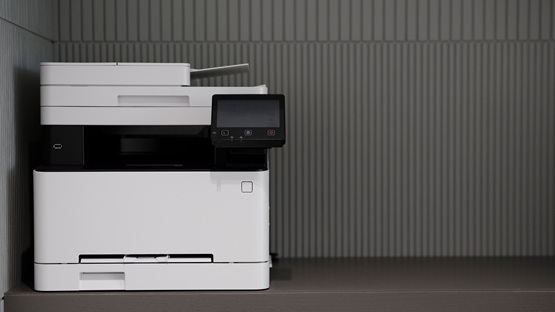
The best printers for a small office – which ones? A guide
Shopping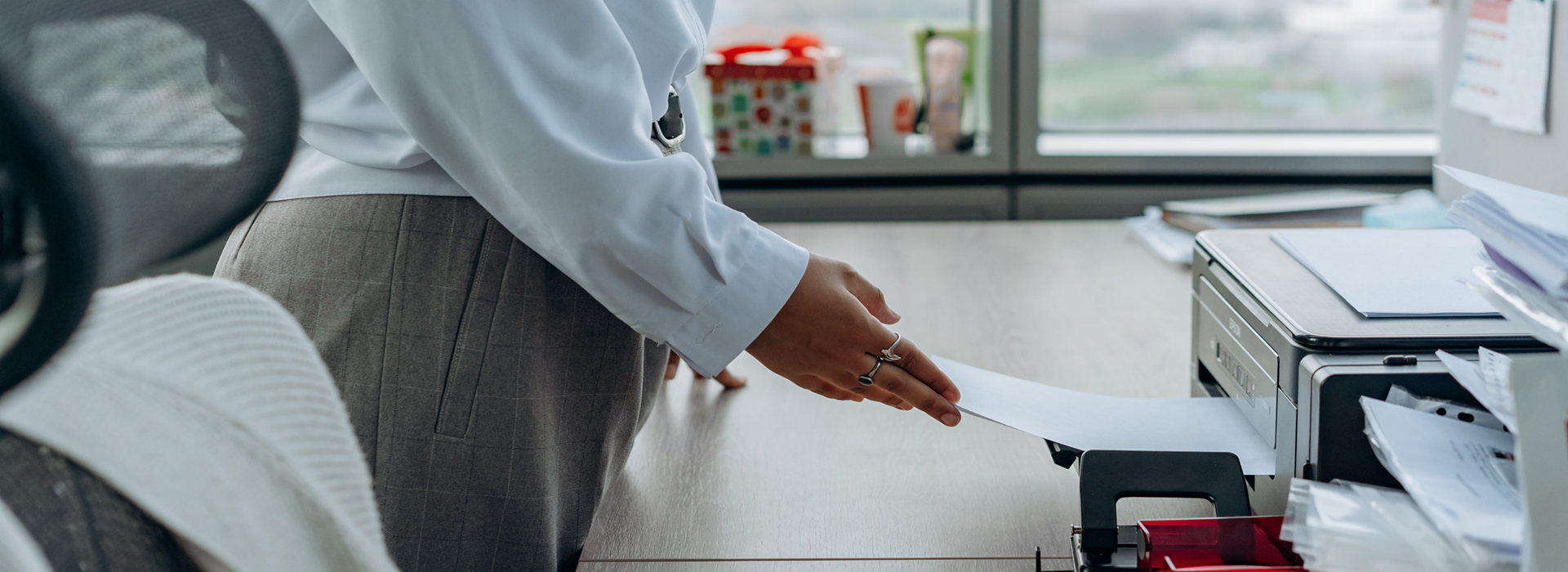
30 October 2026
A printer for a small office should combine compact dimensions, reasonable running costs and a print volume suited to the number of documents produced. Other important factors include print speed, automatic double-sided printing, paper tray capacity, a scanner, and Wi-Fi or Ethernet connectivity. We advise on which specifications are worth comparing and which solutions will work best in a small business or home office.
How do you choose a printer for a small office?
The basic categories of office printers are: monochrome laser printer, colour laser printer, laser multifunction device and LED printer. LED technology works in a similar way to laser technology, but uses a fixed strip of LEDs to illuminate the drum. This enables it to offer a compact design and stable operation.
Office multifunction device It combines a printer, scanner and photocopier in a single unit. This solution saves space and allows you to digitise invoices, contracts and correspondence without having to buy a separate scanner. When choosing a model, it is worth checking the recommended monthly print volume. For a small business, a reasonable range is usually approximately 1,000–3,000 pages.
The most important selection criterion should be total cost of ownership (TCO). This includes the purchase of the device, consumables, energy, maintenance and replacement parts throughout its entire service life. A good office printer must be sufficiently efficient, but it should not be significantly oversized.
Which compact printer is best for a small office?
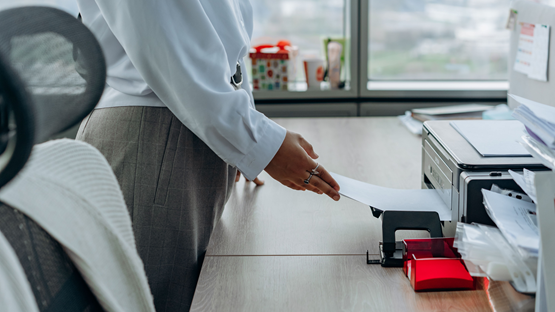
In a home office or a small study The printer is often placed on a desk, a bookcase or a small cabinet. Its housing should not hinder operation or block access to the feeder. You must also allow for the space required to open the scanner lid, replace materials and collect printouts.
For a small office, the following is usually sufficient a paper tray holding approximately 150–250 sheets of paper. A smaller cassette requires frequent refilling, whilst a much larger one is not always necessary for a moderate workload. It is also worth checking whether the design allows for put the paper inside the machine, which protects it from dust.
Convenience is enhanced by Wi-Fi, which allows the printer to be shared by several computers. Bluetooth can make setup easier, although standards are more important in office printers AirPrint in Mopria. They allow you to send documents directly from smartphones and tablets without having to install complex drivers.
A good model for a limited space should offer:
- compact dimensions and a reasonable weight;
- a paper tray holding approximately 150–250 sheets;
- Wi-Fi and printing from a mobile phone;
- quiet operation in a shared room;
- automatic double-sided printing;
- easy access to toner, ink and the scanner;
- a sleep mode that reduces energy consumption.
A compact printer design doesn’t have to mean it’s awkward to use. It’s worth checking before you buy dimensions of the machine with the feeders open, rather than just its transport dimensions.


Which printer is best for a one-person business?
A sole trader usually there is no support from the IT administrator. The best option, therefore, is office equipment that can be set up quickly, connected to a Wi-Fi network and used without the need for frequent maintenance.
A practical printer for a small business should also scan invoices, contracts and receipts. The multifunctional feature speeds up document archiving and reduces the number of paper copies. A simple app, quick start-up and readily available consumables help to avoid downtime.
Laser or inkjet – which is best for a business?
A laser printer is a good choice for invoices, contracts, reports and correspondence. It offers fast printing, clear text and smudge resistance. The toner does not dry out, so the machine can be left unused for a long time without the need to clean the nozzles.
Ink works better for colour charts, promotional materials, graphics and photographs. Devices with tanks filled from bottles They can print in colour at a low cost per page. They also use less energy than laser printers, which need to heat up the fuser unit.
It is worth choosing a laser when the predominance of text-based documents. The ink will be better if Colour matters, and the device is used regularly. If a company scans documents, it is worth opting for a multifunctional model.
What should you look out for when choosing a laser printer for the office?
In a micro-enterprise, it is usually sufficient to a speed ranging from a dozen or so to around 30 pages per minute. A higher value is useful when several people regularly send longer documents.
It is important that automatic duplex printing, which flips the page automatically without the user having to do anything. This helps to save paper and print contracts or reports more quickly. You should also check the Wi-Fi, Ethernet, the paper tray capacity and the availability of cartridges.
 Dowiedz się więcej
Znajdź najlepsze oferty w kilka sekund z Von Halskim - asystentem zakupowym w apce InPost Mobile. Odkryj produkty dopasowane do Twoich potrzeb i oszczędzaj na dostawie.
Von Halsky węszy okazje. A Ty? Wiesz już, czego szukasz?
How can a company reduce its printing costs?
The manufacturer may offer the device at an attractive price, but use low-capacity cartridges. Therefore, before making a purchase, you should work out the cost per page by dividing the price of the ink or toner by the stated number of prints.
In inkjet technology, an alternative to traditional cartridges is inkjet printer with a continuous ink supply system. The tanks are filled with ink from bottles, which reduces the cost per colour page and minimises the frequency of cartridge replacements. However, the printer must be used regularly to prevent the nozzles from drying out.
In a long-term calculation, factors other than the dye itself must be taken into account. Print head It can be integrated into the cartridge or permanently fitted to the device. In a laser, however, the following is consumed: photosensitive drum, which, depending on its design, may form part of the toner cartridge or be a separate consumable.
The automatic duplex module also helps to reduce costs. Printing on both sides of the page reduces paper consumption for contracts, instructions and internal documents. It is worth setting this function as the default if the documents do not require single-sided printing.
For standard invoices, correspondence and reports, it is usually sufficient to paper weighing 80 g/m². Heavier sheets are best reserved for quotations, presentations and formal documents. Before using thicker paper, you should check the maximum paper weight that the feeder in question can handle.
The following factors also influence the total cost of printing:
- toner or ink-saving mode;
- automatic sleep mode;
- the yield of XL cartridges;
- the price of the drum and other parts;
- the option to use tried-and-tested alternatives;
- matching the device to the number of printouts.
Choosing the right technology delivers the greatest savings corresponding to the actual load. A printer that is too small will wear out its materials and components quickly, whilst a model that is too sophisticated will leave its capabilities underutilised.
Von Halsky will find a printer that suits your needs
If you’re looking for a printer for a small office, the shopping assistant in the InPost Mobile app, By Halsky, will help you narrow down your choice to specific models meeting specific requirements. You can specify your budget, the number of pages to be printed, whether you need colour printing, scanning, automatic double-sided printing or Wi-Fi connectivity.
By Halsky search for available options, compare their prices and key specifications, and – if you wish – sort the results according to your chosen criteria. You can also use the voice function to ask for alternatives or add your chosen printers to your favourites. The entire purchasing process, from browsing to tracking your parcel and collecting it, takes place without ever leaving the InPost app.
See also: Which printer is best for home use?
Frequently Asked Questions
How do I connect an office printer via Wi-Fi?
The easiest way is to use the WPS button (Wi-Fi Protected Setup – a feature that allows you to connect a router to a Wi-Fi network without having to manually enter the wireless network password), either on the router itself or via the manufacturer’s app, which guides the user through the network setup. The printer and computer should be connected to the same Wi-Fi network. Support for AirPrint or Mopria also allows you to print directly from a smartphone.
How does a printer with a scanner differ from a standard printer?
A standard printer simply transfers a digital document onto paper. A multifunction device also allows you to scan and, usually, make copies (photocopying function). It therefore enables you to digitise invoices, contracts and correspondence, and then save them in an electronic archive. In a small business, a scanner streamlines document workflow and reduces the need to store multiple paper copies.
What documents should be printed in a small office, and on what type of paper?
On a standard printer, you can produce invoices, contracts, correspondence, training materials and charts. For ordinary text documents, 80 g/m² paper is sufficient. For quotations and presentations, you can choose heavier paper, provided the printer supports it. Choosing the right type of paper affects the appearance and durability of the printout.
When is it worth choosing an A3 printer for a small office?
The A3 format is particularly useful in architectural, design and engineering offices that print plans, diagrams or large tables. For typical administrative work, A4 is sufficient. A3 printers take up more space and are usually more expensive, so purchasing one only makes sense if you regularly use larger sheets of paper