
Now return your parcel for free on the InPost Mobile app!
27 January 2022
Bad online shopping can happen to anyone. Size wrong? New equipment does not play as expected? Or maybe the product you ordered looks a little different to the pictures? Don't worry... We have the solution!
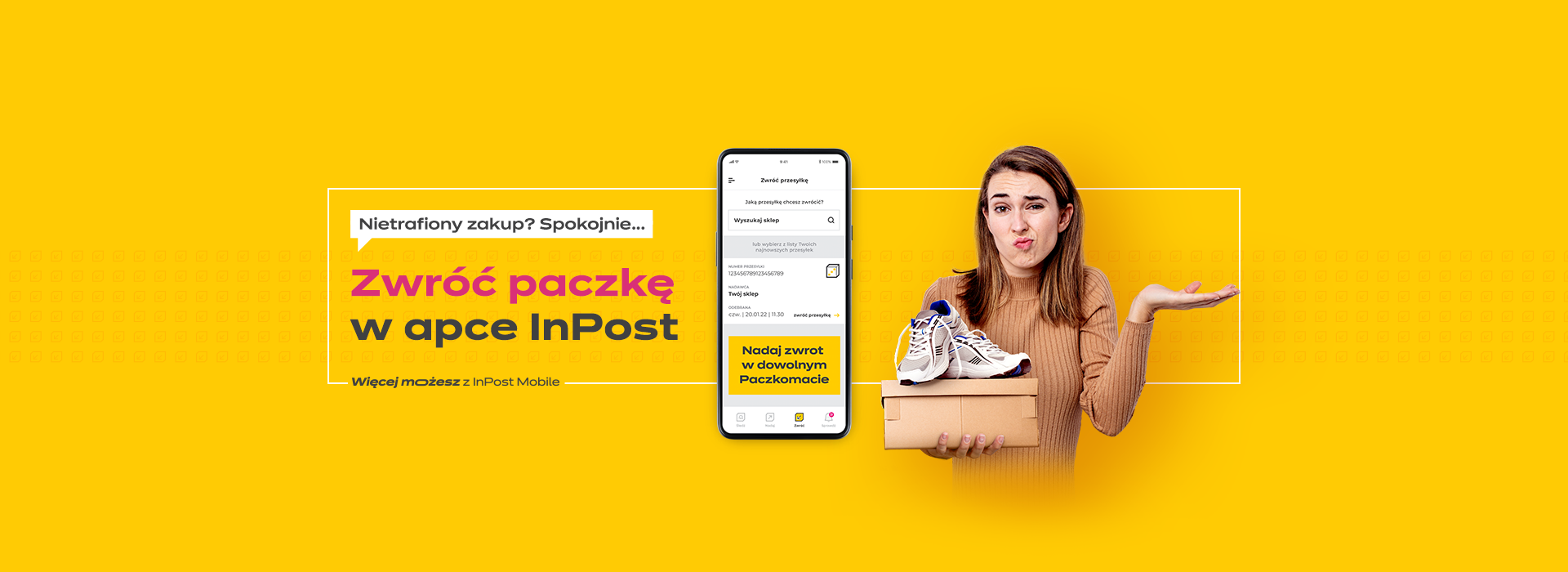
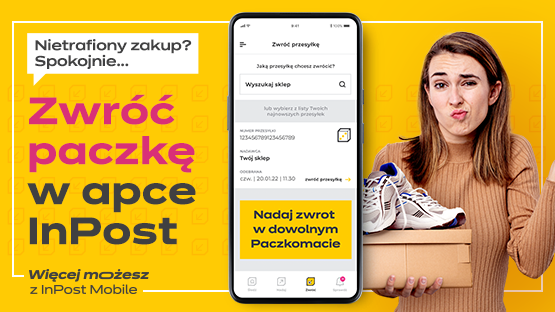
We are not slowing down and are introducing another feature to the InPost Mobile app! Now you can return a parcel directly in the app - quickly, free of charge and without queues, to our partner shops. You don't need a label to do this - just write the return code directly on the parcel and drop it off at any Parcel Machine. In addition, you can track your return in the app.

How to return a parcel in the InPost Mobile app? It's easy!
1. In the bottom menu of the application, select the RETURN icon
In the "Search for a shop" section, start typing the name of the shop to which you wish to return the parcel.The list includes shops that offer a return service in partnership with InPost.You can also select the parcel to be returned from the list of parcels found below the search field.
2. Fill in the return details
Fill in the return form and click "return parcel". If the shop of your choice does not require you to accept the return, that's it - your return has been submitted!You will find the return code in the app and in the email.
3. wait for the shop to accept the return
In the case of a required approval of the return by the shop, wait for the confirmation after filling in the return details.You will receive a notification in the app and by email when the return is ready to be posted at the Parcel Post.
4. Prepare the return package
Pack and secure the parcel. If you use the same box (we encourage you to be eco and zero waste!), remove the old label. You don't need to print any new label - use the in-app generated return code when sending.
5. Send the return in a Parcel Machine
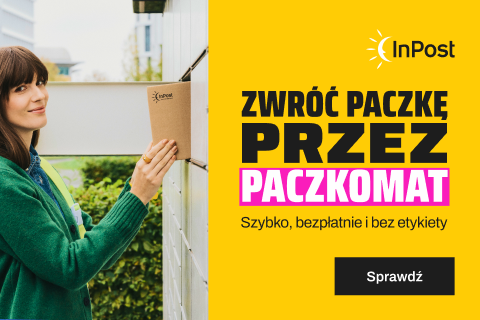
Take the prepared package to any Easypack machine. At the reader in the Parcel Machine, scan the QR code from the app or select the option to send a parcel on the Parcel Machine screen and enter the return code. The box will open automatically! Now place the parcel in the box. Done! Your parcel has been sent!
Free returns in the InPost Mobile app apply to our partner online shops. The process of returning a parcel in the app is secure, intuitive and transparent and supported by friendly status communication.
In addition to adding new functionality to the mobile app, we have also refreshed the QuickZwroty.co.uk website, making it even quicker and more convenient for you to make a return. The site is now even clearer and more intuitive - see for yourself !
We are not resting on our laurels - we are taking action, listening to your needs and working on further improvements. And all this to make using Parcel Machines even easier and more convenient. 😊
Don't have the InPost Mobile app yet? Download it now and enjoy all the features!
You can do more with InPost Mobile!


