
Now in InPost Mobile, a new feature where you can recognise a Parcel Machine by its photo!
28 April 2021
Do you have several Parcel Machines right next to each other in your neighbourhood? We've just introduced improvements that will make using Parcel Machines even more convenient and easier. Now in InPost applications Mobile (and more!) you will find additional information that will get you to your Parcel Machine much faster!
New improvements to the application
We are expanding our network because we want everyone - whether they live in the country or in the city - to have their favourite Parcel Machine in their area. As there are more and more of us, it may happen that 2 or 3 Paczkomaty will be close to each other. We have therefore introduced improvements to make the process of collecting parcels from a Parcel Machine even more pleasant.
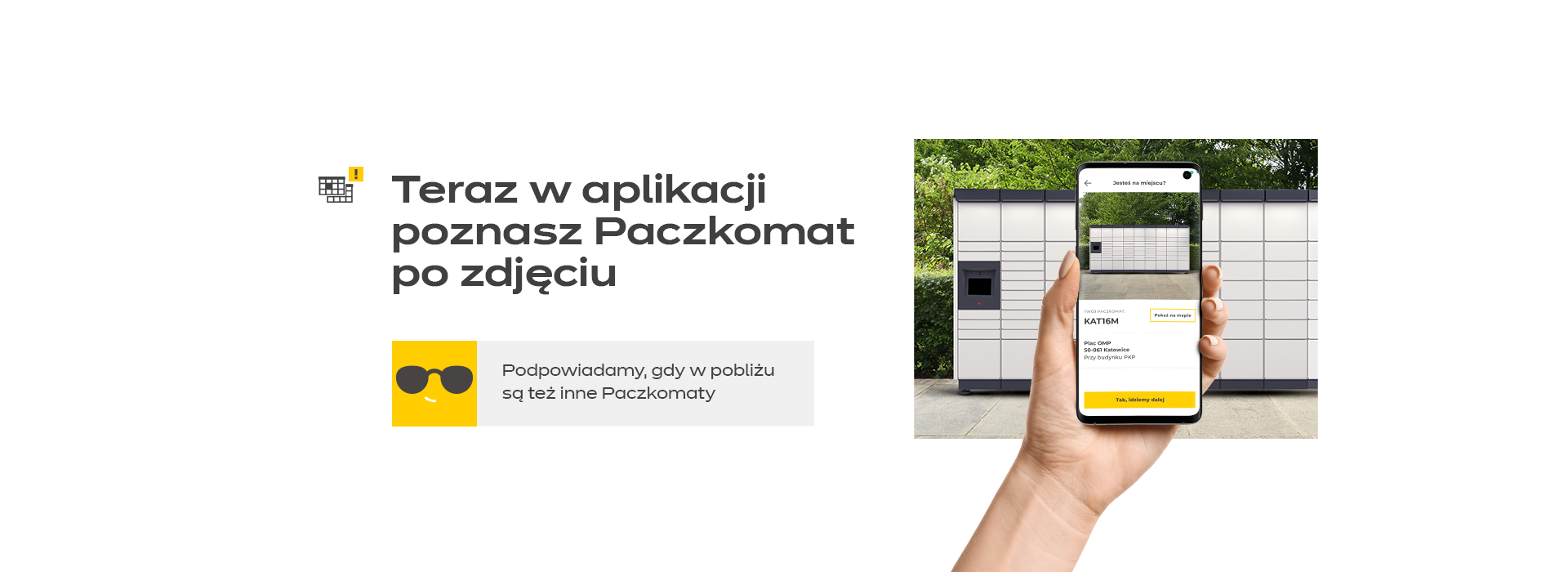
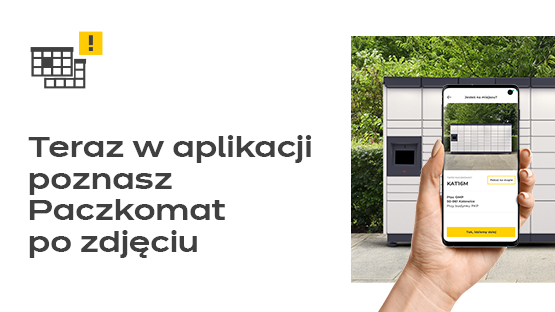
At InPost Mobile you will know your Parcel Machine by its picture
How does this work? If you select a Parcel Machine as your delivery location and there is another Parcel Machine nearby, we will immediately notice this and let you know. Are you using the app? Very well! It ensures that you are standing at the right Parcel Machine. Before you click the button that opens the box remotely, a screen appears in the app with a picture of the Parcel Machine where your parcel is waiting. Turned out you were standing by the wrong one? No problem! Under the picture of the Parcel Machine you will find the button "Show on the map" - it's like our console button L2 to help you reach your destination.
This is not the end of the facilities we have introduced to make it easier for all InPost lovers to receive their parcels. Pay attention to the emails you receive when your parcel arrives at a Paczkomaty. They will include a special icon and the phrase "There are other Parcel Machines nearby".
Additional marking of Parcel Machines
What's more, we have marked the Parcel Machines that are close to each other with special stickers that you will find on the machines - right at the top right corner. Remember that the number of each Parcel Machine can also be found on the screen of the machine (in the bottom right corner) or - in the case of older type Parcel Machines - in the "About me" tab. If you are looking for useful messages, take a look at our website as well - under Find a Parcel Machine you will find all the necessary data, thanks to which you can easily identify the Parcel Machine where your parcel is waiting.
By the way, we would like to remind you that the new functionality for sending parcels without a label is available in the latest version of the app (after the update). Download our app exclusively from the official Google Play and App shops.
So there is nothing left to do but... keep calm & order a parcel to the nearest Parcel Machine!
 Download InPost Mobile
Discover what our app can do – remote parcel pickup, extending pickup time, redirecting parcels, and so much more. Sounds good?
With the InPost Mobile app, you have everything close at hand.


