
Multiskrytka: we answer the 10 most frequently asked questions
18 August 2020
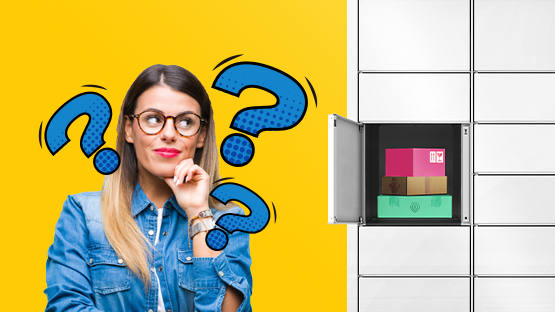
Multiskrytka, our new feature, works on the vast majority of Paczkomat machines. From now on, you’ll only need one collection code and one locker – for multiple parcels you’ve ordered. We want to make using the Multi-locker as straightforward as possible for you, which is why we’ve put together answers to the 10 most frequently asked questions about the new service.
As you’re probably already aware, the most convenient way to collect parcels is, of course, via our InPost Mobile app. You can collect all parcels, including those in your Multiskrytka, contactlessly using the remote opening feature. Please note that the original app is available to download exclusively from the App Store and Google Play. If you don’t have it on your phone yet, we strongly encourage you to download it – it’s really worth it.
Without further ado, please take a look at our answers to the questions you ask us most frequently.
-
If I order several parcels from different shops at around the same time, will they all end up in the Multiskrytka?
Yes, the parcels will be in Multikskrytka; if the shops dispatch the items you have ordered at around the same time, our courier it will place them in the machine’s compartment at the same time (during a single trip) and they will all fit into one compartment.
-
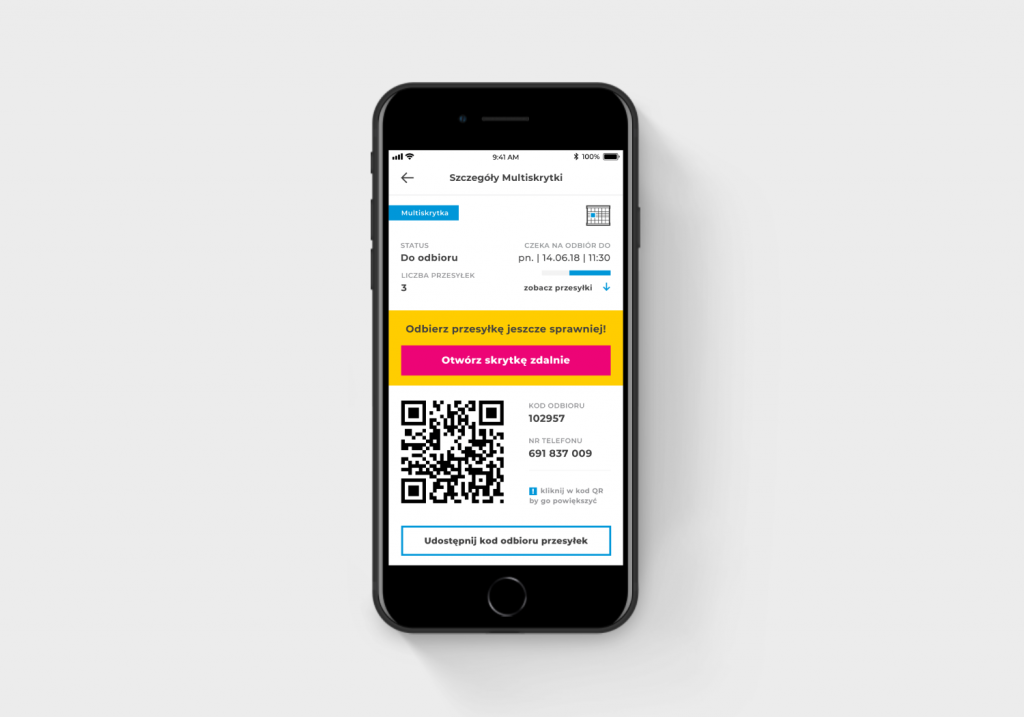
Can I open my Multiskrytka remotely using the InPost Mobile app?
Yes, you can collect a parcel from Multiskrytka remotely via any Paczkomat that offers this service.
-
I’m expecting a few parcels, but I’m afraid they won’t all fit in one parcel locker. What should I do?
There’s no need to worry. If any of your parcels don’t fit in the Multiskrytka, they’ll be placed in another compartment in the Paczkomat parcel machine.
-
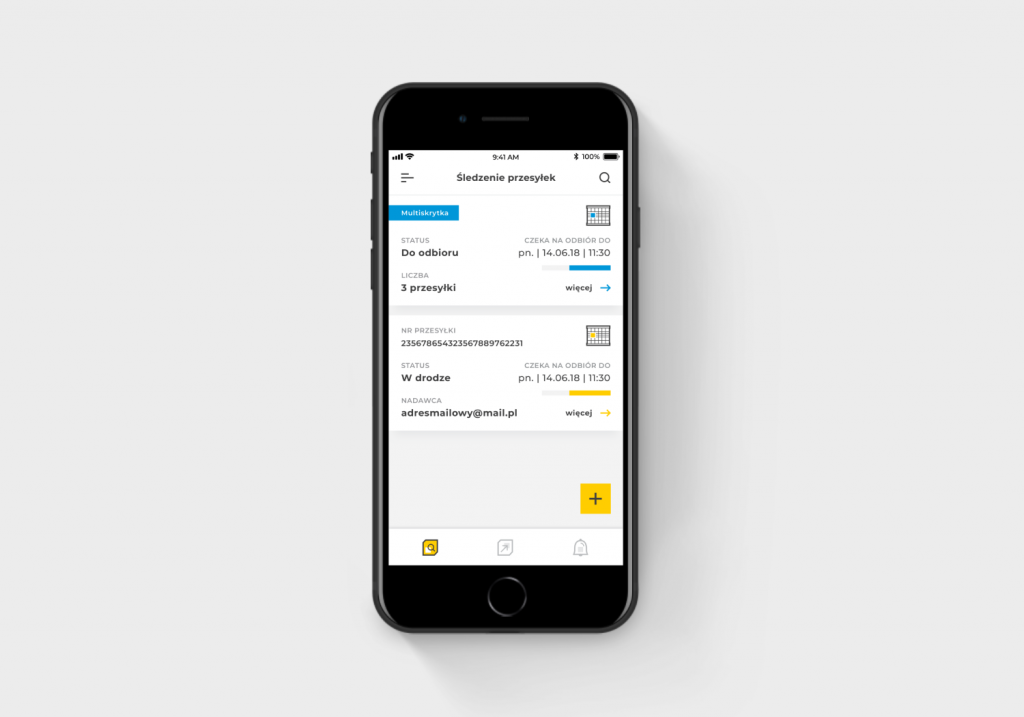
What notifications regarding Multiskrytka will I see in the InPost Mobile app?
Multi-lockers in InPost Mobile They will be grouped into a single message – to be accessed via a single QR code or remotely. In addition, they will be highlighted in blue and labelled ‘Multiskrytka’.
-
Will I receive my parcel tracking numbers via text message, email or in the app?
You will receive your parcel tracking numbers via email and the InPost Mobile app. InPost does not send text messages containing parcel tracking numbers.
-
Is one collection code sufficient to collect parcels via Multiskrytka? Or does it depend on the number of parcels in the locker? Where can I get the collection code?
You will receive a single collection code for all parcels stored in a single locker (Multiskrytka). We provide the collection code for the Multiskrytka via the InPost Mobile app OR send it by text message. For security reasons, we do not send collection codes by email.
-
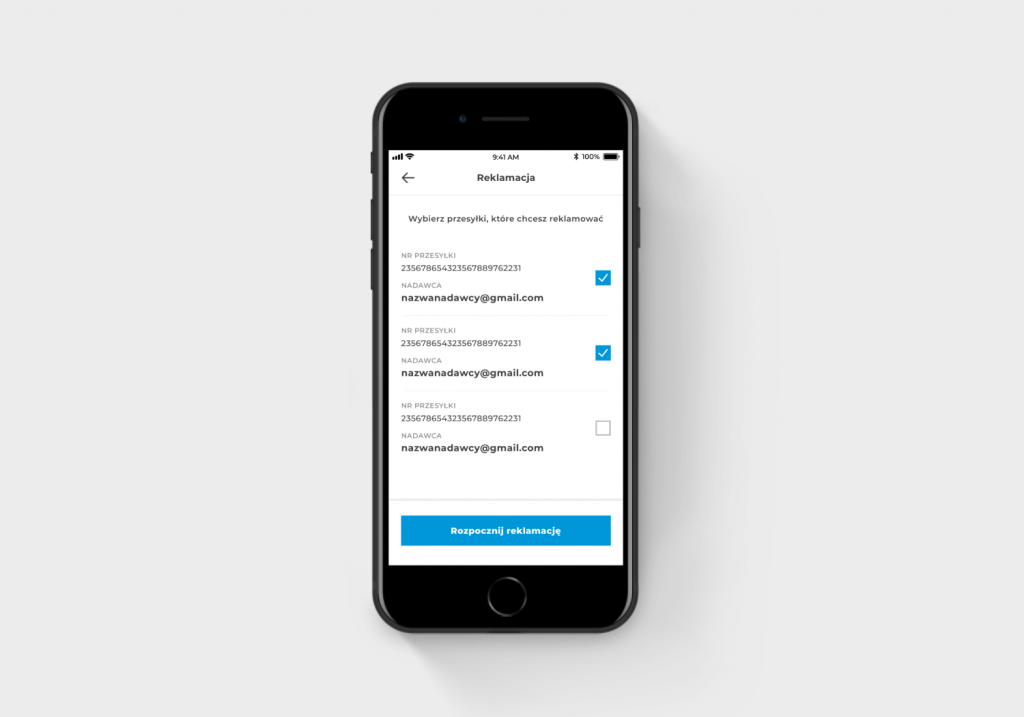
How many parcels from Multiskrytka can I make a claim for? How will you know which parcel was actually left in the locker?
You can make a claim for any number of parcels. You can select the parcel you wish to make a claim about from the list available in the mobile app or directly on the Paczkomat parcel locker screen. We will find out which parcel has actually been claimed once the courier opens the locker and identifies it.
-
If I take one parcel out of the Multiskrytka but accidentally leave the other one behind, can I open the locker again?
You can open your Multiskrytka using the same code within 15 minutes of your first collection, provided the courier has not removed your parcel in the meantime and filled the locker with another order.
-
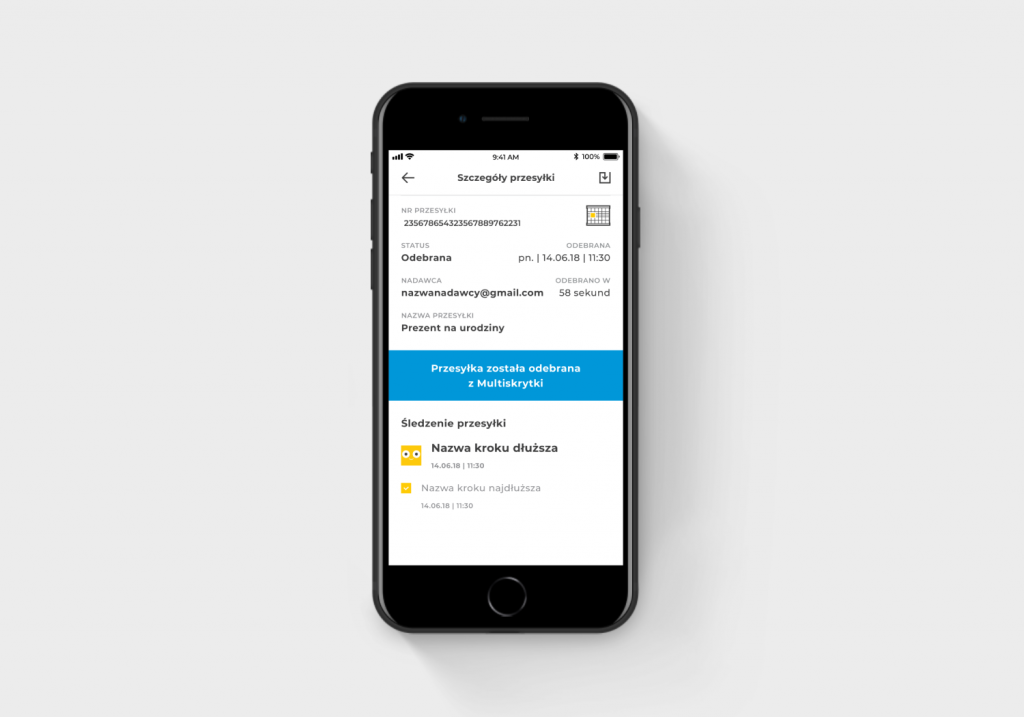
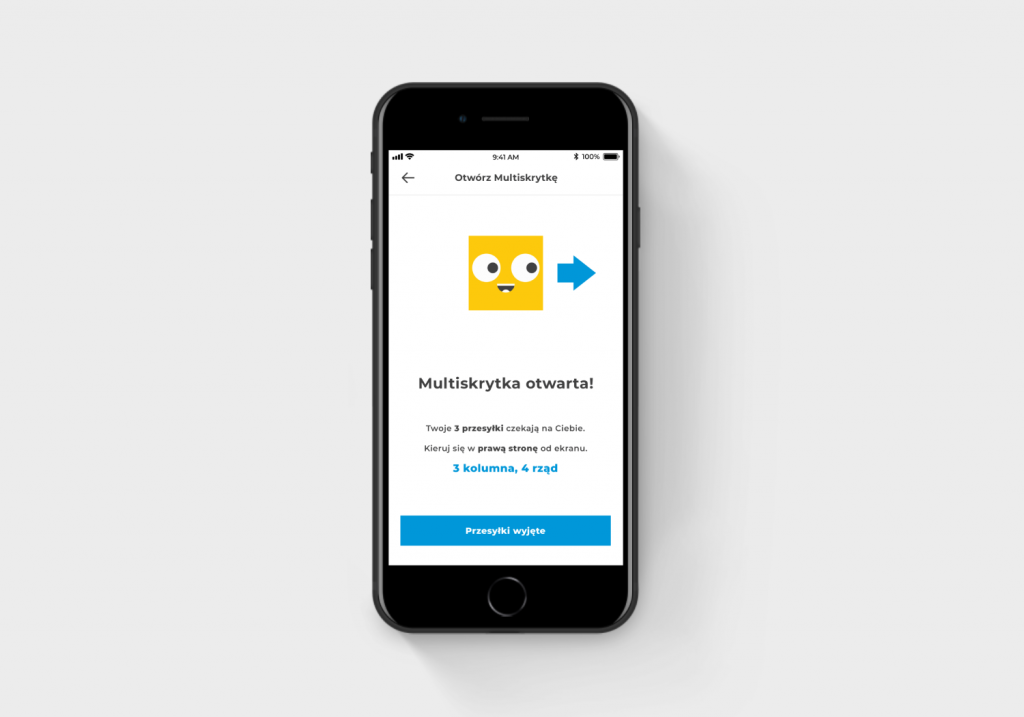
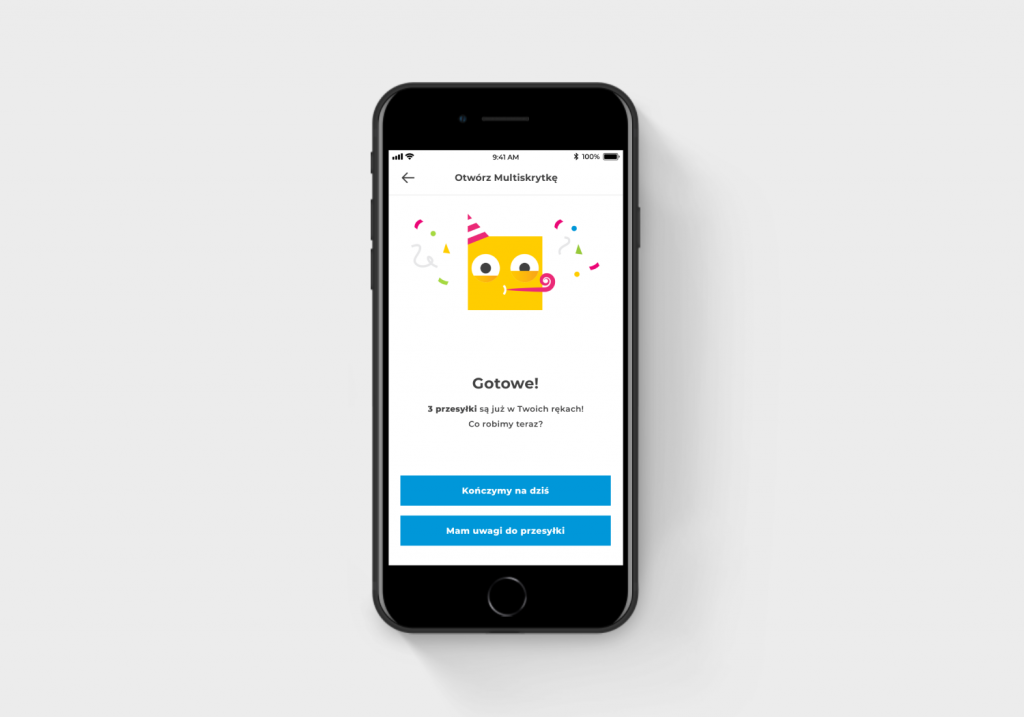
What message will appear on the Paczkomat parcel locker screen when a customer collects their parcel? And what message will appear in the mobile app?
Once you’ve collected your parcel, a standard message will appear on the screen. Before collection, the screen will show you how many parcels are in the Multiskrytka. In the InPost Mobile app, messages will appear as shown in the images below. Please remember to remove all parcels from the locker.
-
Can a sender use the Multi-P.O. Box service and place, for example, 10 items in a single P.O. Box?
This feature is available only to recipients of parcels.
Are you having problems with Multiskrytka, remote opening or using the mobile app? Depending on which operating system you’re using, please contact us:
googleplay@inpost.pl – for Android devices
appstore@inpost.pl – for iOS systems.
You can also visit our Contact and Help page, where we answer any other questions you may have - inpost.pl/kontakt.


