
Multiscreen, or we answer the 10 most frequently asked questions
18 August 2020
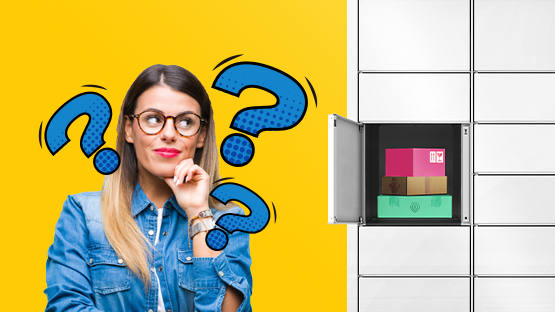
Multicash, our new functionality, works in the vast majority of Parcel Machines. From now on, you only need one collection code and one box - for multiple ordered parcels. We want to make using Multiscrytka as easy as possible for you, so we have prepared answers to the 10 most frequently asked questions in the context of the new service.
As you probably already know, the most convenient way to receive parcels is, of course, our InPost Mobile app. You will be able to collect all parcels, including those found in Multiskrytka, without contact using the remote opening function. As a reminder, the original app is only available for download in the App Store and Google Play shops. If you do not already have it on your phones, we strongly encourage you to download it, because it is really worth it.
Without further ado, we invite you to read our answers to your most frequently asked questions.
-
If I order several parcels from different shops at similar times, will they all end up in Multiscreen?
Yes, the parcels will be in the Multicache if the shops send the products you ordered at a similar time, our courier will place them in the machine's cache at the same time (during one driveway) and they will all fit in one cache.
-
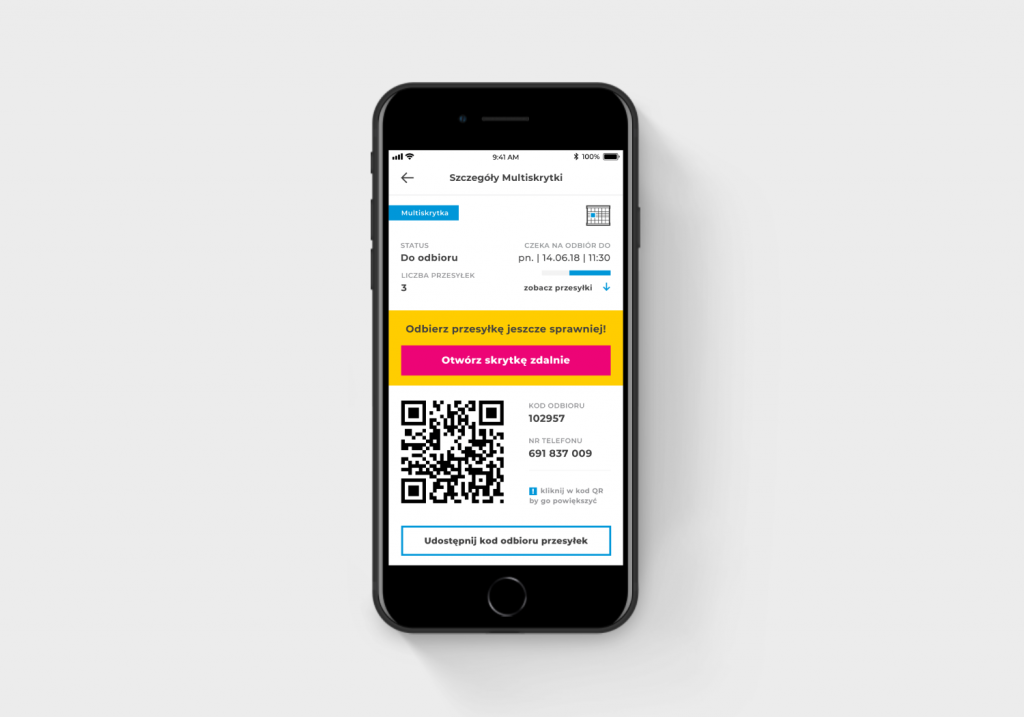
Can I open a Multiscreen remotely via the InPost Mobile app?
Yes, you can pick up a parcel from a Multiskrytka remotely via any Parcel Machine that has this functionality.
-
I'm waiting for a few parcels to arrive, but I'm afraid they won't all fit in one box. What should I do?
There is no need to worry. If one of your parcels does not fit in the Multiskrytka, it will be placed in another box of the Parcel Machine.
-
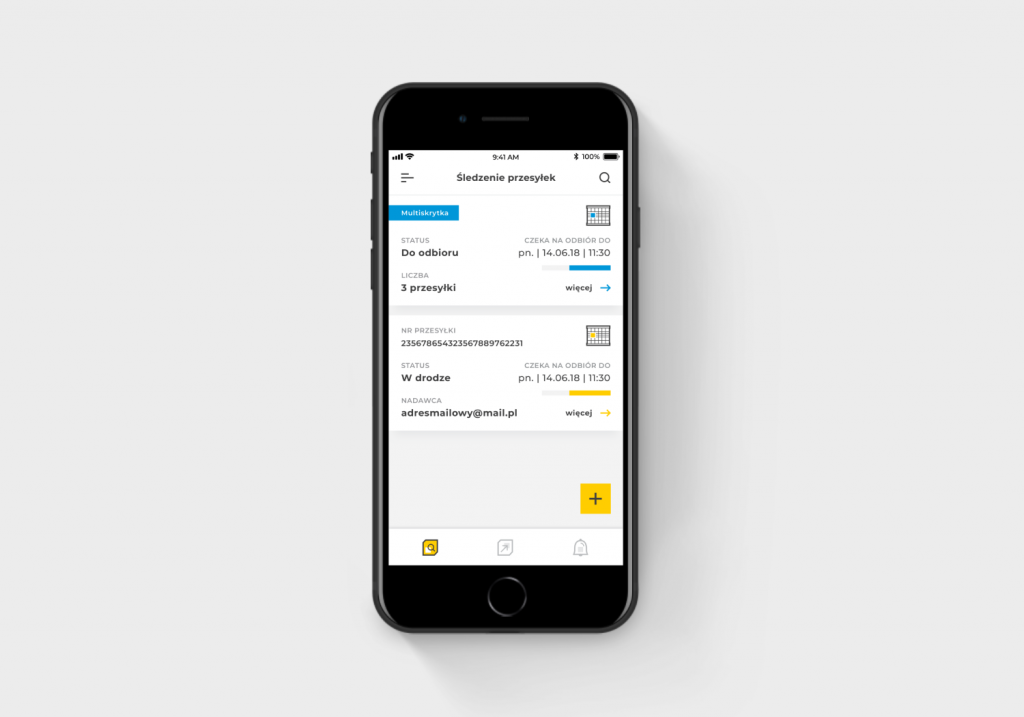
What messages in relation to Multiskrytka will appear to me in the InPost Mobile app?
Multiscreens in InPost Mobile will be grouped into one message - to be picked up with a single QR code or remotely. In addition, they will be highlighted in blue and with the word Multiscreen.
-
Will I receive consignment numbers in text messages, emails or in the app?
You will receive parcel numbers in an email and in the InPost Mobile app. InPost does not send text messages with parcel numbers.
-
Does one collection code suffice to pick up parcels within the Multis box? Or does it depend on the number of parcels in the box? Where do I get the collection code?
You will receive one collection code for all parcels in one box (Multiscreen). We provide you with the collection code for the Multis box in the InPost Mobile app OR send it in an SMS message. We do not send collection codes in emails for security reasons.
-
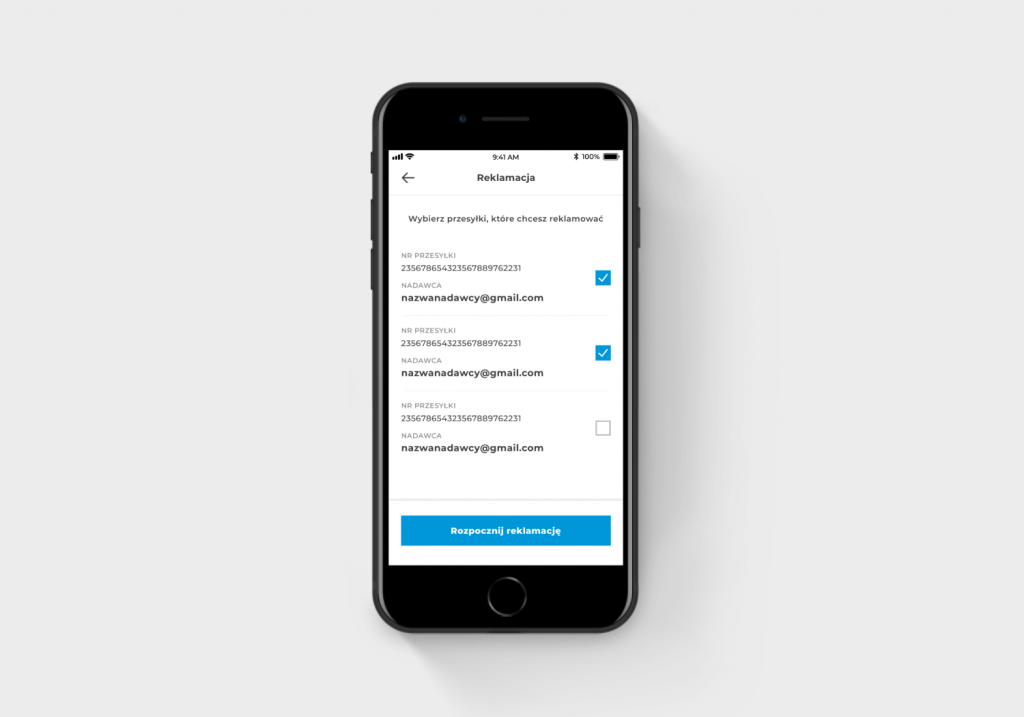
How many consignments from the Multiscreen can I claim? How will you know which consignment is really left in the box?
You can claim as many parcels as you like. You can select the parcel to be claimed from the list available in the mobile application or directly on the screen of the Parcel Machine. You will know which parcel has actually been claimed when the box is opened by the courier and identified.
-
If I take one packet out of the Multiscreen but accidentally leave the other one behind, can I open the cache again?
You can open your Multis box with the same code up to 15 minutes after the first collection, as long as the courier does not remove your package in the meantime and occupy the box with another order.
-
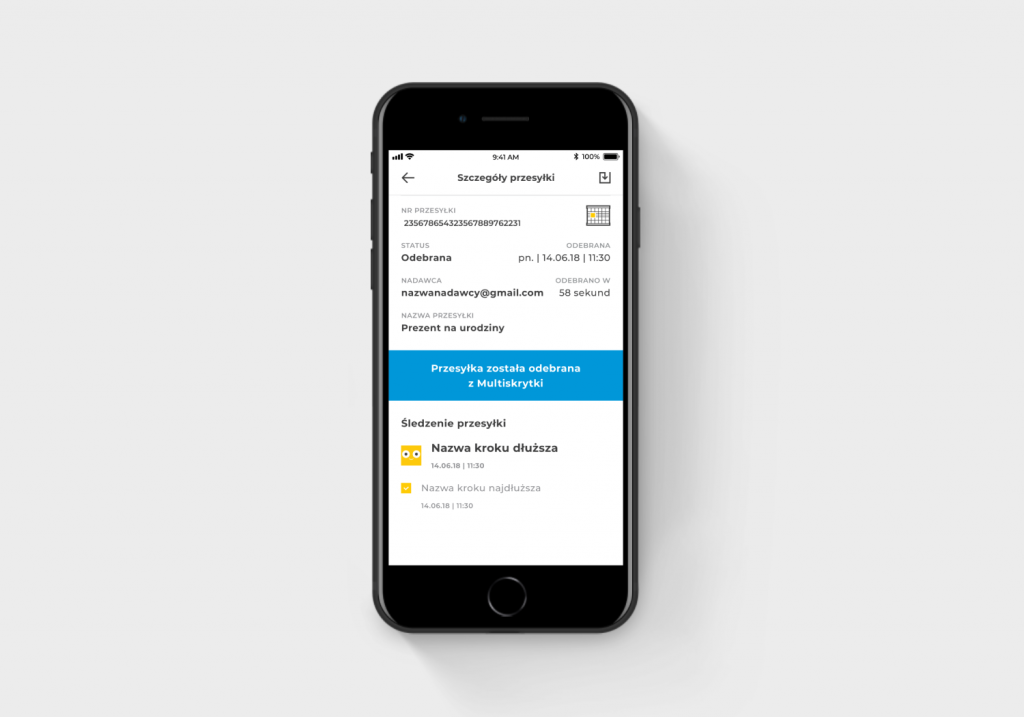
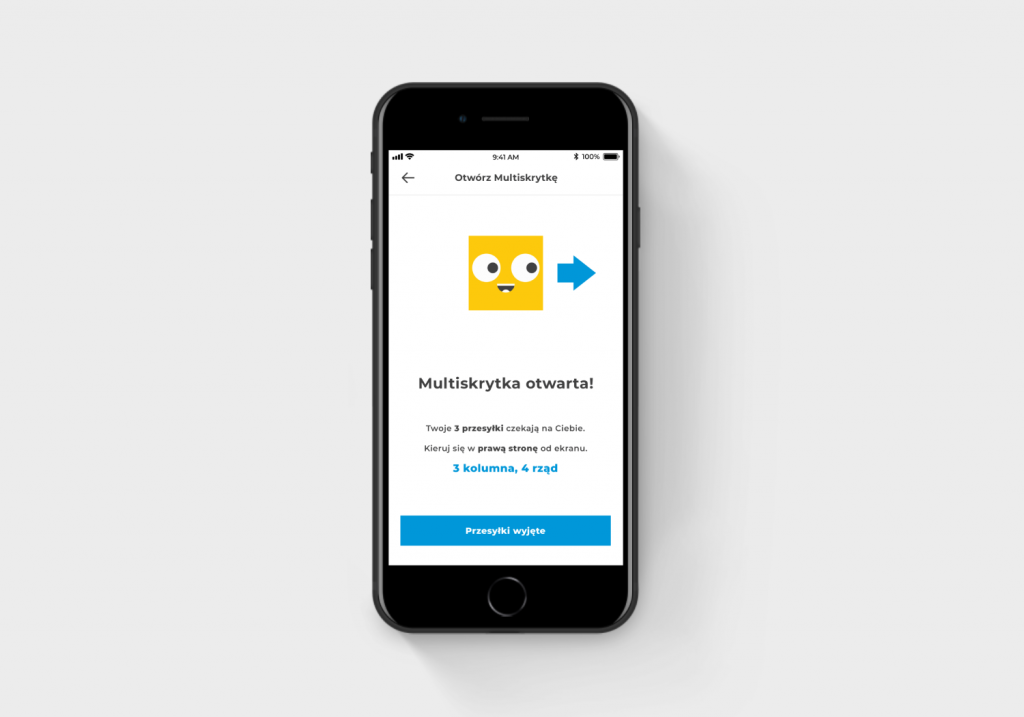
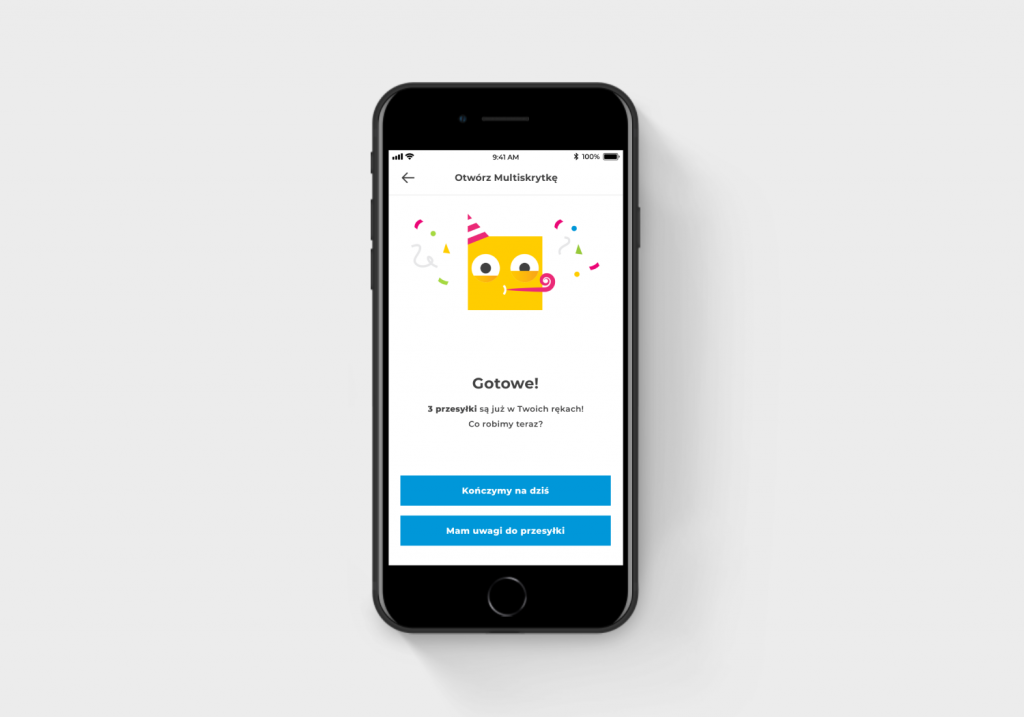
What message will appear to the customer after receiving the parcel on the Parcel Machine screen? Which one on the mobile app?
When a parcel is collected, a classic message is displayed on the screen. Before collection, the screen tells you how many parcels are in the Multiskrytka. In the case of the InPost Mobile app, messages will appear as in the graphics below. Remember to remove all parcels from the box.
-
Can a shipper use the Multiscreen and put, for example, 10 parcels in one box?
The functionality is only available to consignment recipients.
Are you experiencing problems with Multiscrypt, remote opening or mobile app operation? Depending on the operating system you are using, please email us:
googleplay@inpost.pl - for Android systems
appstore@inpost.pl - for iOS systems.
You can also visit our Contact and Support page, where we answer other questions - www.inpost.pl/kontakt.


